
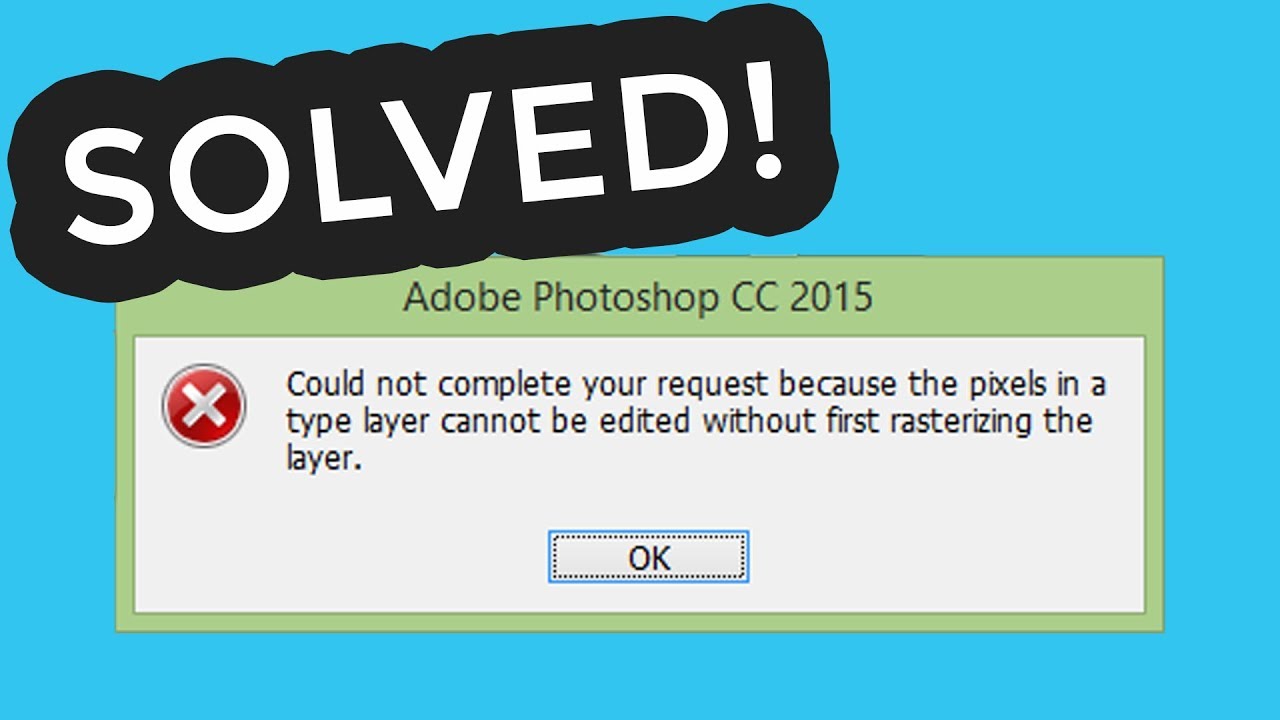
 If you got this error - Could not complete your request because the smart object is not directly editable this means that your image is smart object. Easy solution is to right click your image layer and select rasterize layer. Dead simple! Hope it helps!
 SUBSCRIBE FOR MORE TUTORIALS
►
SHARE THIS VIDEO:
►
Video transcription:
If you try to delete part of the image in photoshop and get this error - Could not complete your request because the smart object is not directly editable.
This means that you need to convert smart object into normal image layer.
To do this go to layer, right click and select rasterize layer.
And now you can edit image as usual.
Thanks for watching, have a nice day, bye-bye.


0 Comments